Quick IT help inside a Mac company, without heavy remote tools
In a small Mac team, one person is often the IT person. Help colleagues in one click: see their screen, point at the setting and take over when needed, only while they are there.
Help someone who is stuck in their code, an AI tool, a piece of software or a website, without taking over their learning. A practical guide to remote mentoring on a Mac.
Your favorite writing, editing or design app has no real-time collaboration. Here is how two people can still work in the same file at the same time, on one Mac screen.
New hires learn your tools by doing, not by watching. Here is a simple way to onboard remotely with the new colleague at the controls and you right beside them.
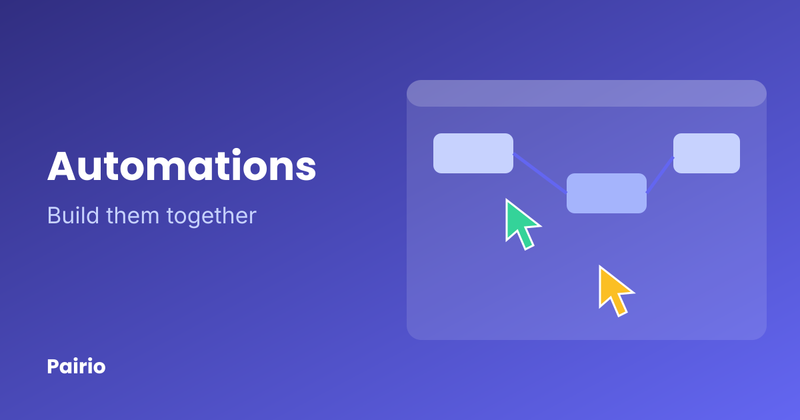
Debugging a workflow with a colleague or client? Here is how two people can work on the same automation canvas at once, both with their own mouse and keyboard.
Most questions at work take two minutes to solve and ten to set up a call for. Here is how to get a second pair of eyes in one click, without a meeting link.
AI coding tools are built for one person at the keyboard. Here is how two people can prompt, review and fix together on one Mac screen, both with their own mouse and keyboard.
Zie het scherm van je vader of moeder, wijs de juiste knop aan en neem het even over. Stap voor stap, met gratis opties en tips om veilig te blijven.
See your dad's screen, point at the right button and take over when needed. A step-by-step guide to remote help on a Mac, with free options and how to stay safe.
Choose which cookies you'd like to accept. Your preferences are saved for one year.
Essential for the website to function. Includes session cookies for authentication and security.
Help us understand how visitors interact with our website. No advertising or remarketing.