
Walk through a spreadsheet or financial model together
Reviewing a budget or model over a video call means squinting at blurry cells. Here is how to go through a spreadsheet together, both able to point, click and type.
Written by Mark
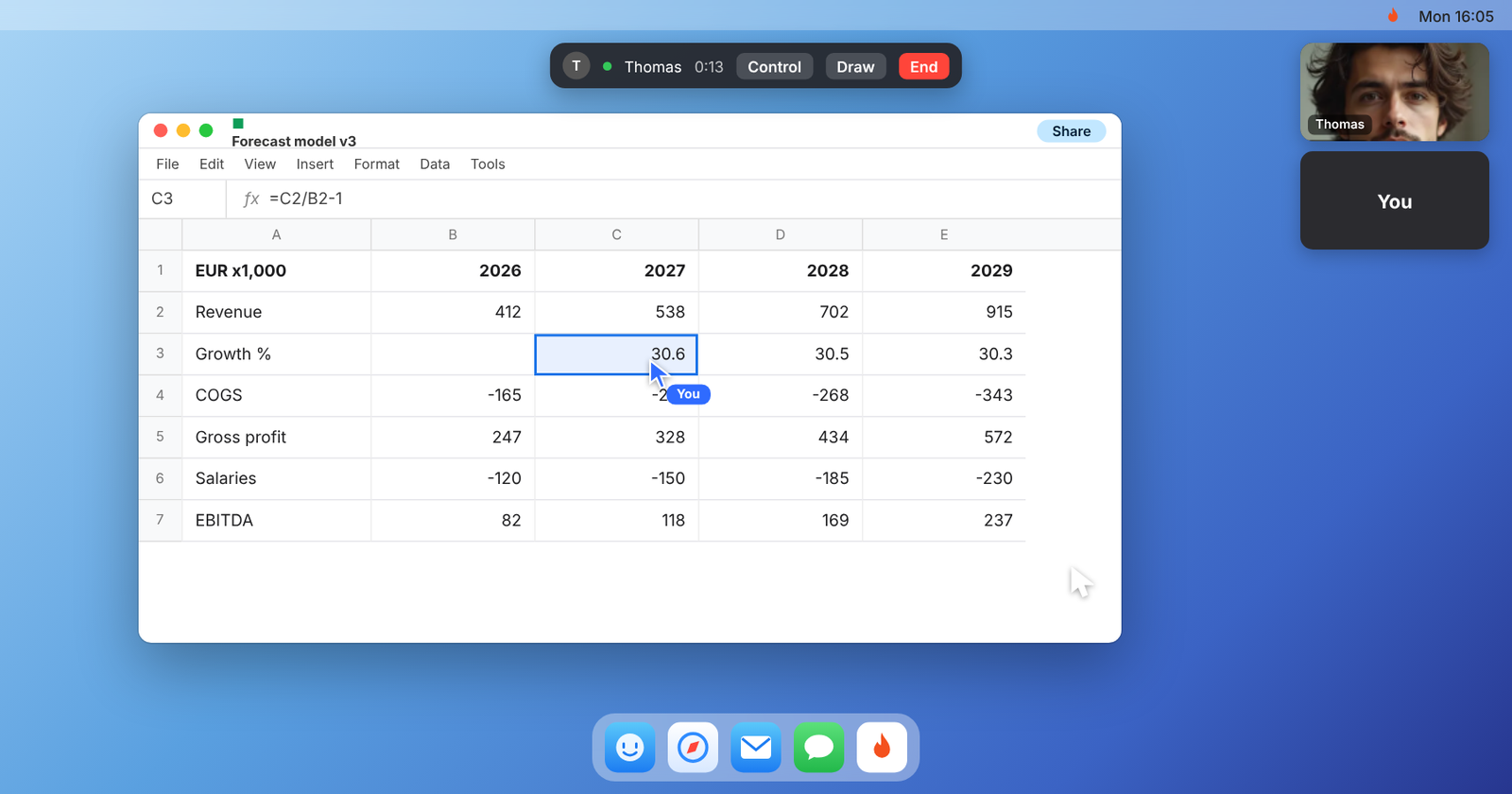
Short answer: open the file on one Mac, share that screen in Pairio and let the other person click into cells, read formulas and type with their own mouse and keyboard. Small numbers stay readable, you can circle a cell instead of naming it, and nobody has to email versions back and forth.
Why reviewing numbers on a video call is painful
A financial model is dense: small numbers, long formulas, many tabs. On a normal video call, the shared screen gets compressed and the numbers blur. You end up saying "row 47, column... no, the one to the right", or you stop the call and email the file, and an hour later you have two versions with different changes. It gets harder when the other person works outside your company: they cannot simply open the same spreadsheet.
Typical moments:
- A founder walking an investor or board member through the forecast.
- A finance team checking the budget with a department head.
- An accountant going through the year-end figures with a client.
- Two analysts tracing why a total does not match.
How to do it with Pairio
- Call the other person with one click, or send a link. An investor or accountant without the app joins from their browser, on any computer.
- Share your screen with the spreadsheet open, in Excel, Numbers or Google Sheets.
- Start with the conclusion: the one number that matters, then go into the detail.
- Point at cells with the pen instead of naming them.
- Let the other person click through formulas and tabs themselves, with their own mouse and keyboard. Questions get answered faster when they can look for themselves.
- Change it once, together. Make the corrections during the call in one file, so there is no second version.
- Send files if needed, for example a supporting document, directly during the call.
Why Pairio fits this work
- Readable numbers. Sharp screen sharing keeps small digits and formulas legible.
- Both can act. The reviewer clicks into the formula instead of asking what is behind it.
- Works with people outside your company. They do not need access to your file or your company's systems. They work on your screen while you are there.
- One version. Edits happen in the file on your Mac, not in a copy.
- Privacy. Hide your mail and messages with App Mask while you share.
When Pairio is not the right choice
- You need to present to a large group. Use a meeting tool; Pairio supports up to 4 people per call.
Questions people ask
Does the other person need Excel or a copy of the file? No. They work on your screen, in your file, while you are in the call. They do not even need to install anything: they can join from their browser.
Can they change things without me seeing it? No. Everything happens on your screen in front of you.
What does it cost? Each person gets 10 hours per month for free. Pro is $15 per month for unlimited hours.